Two kinds of 'memory'
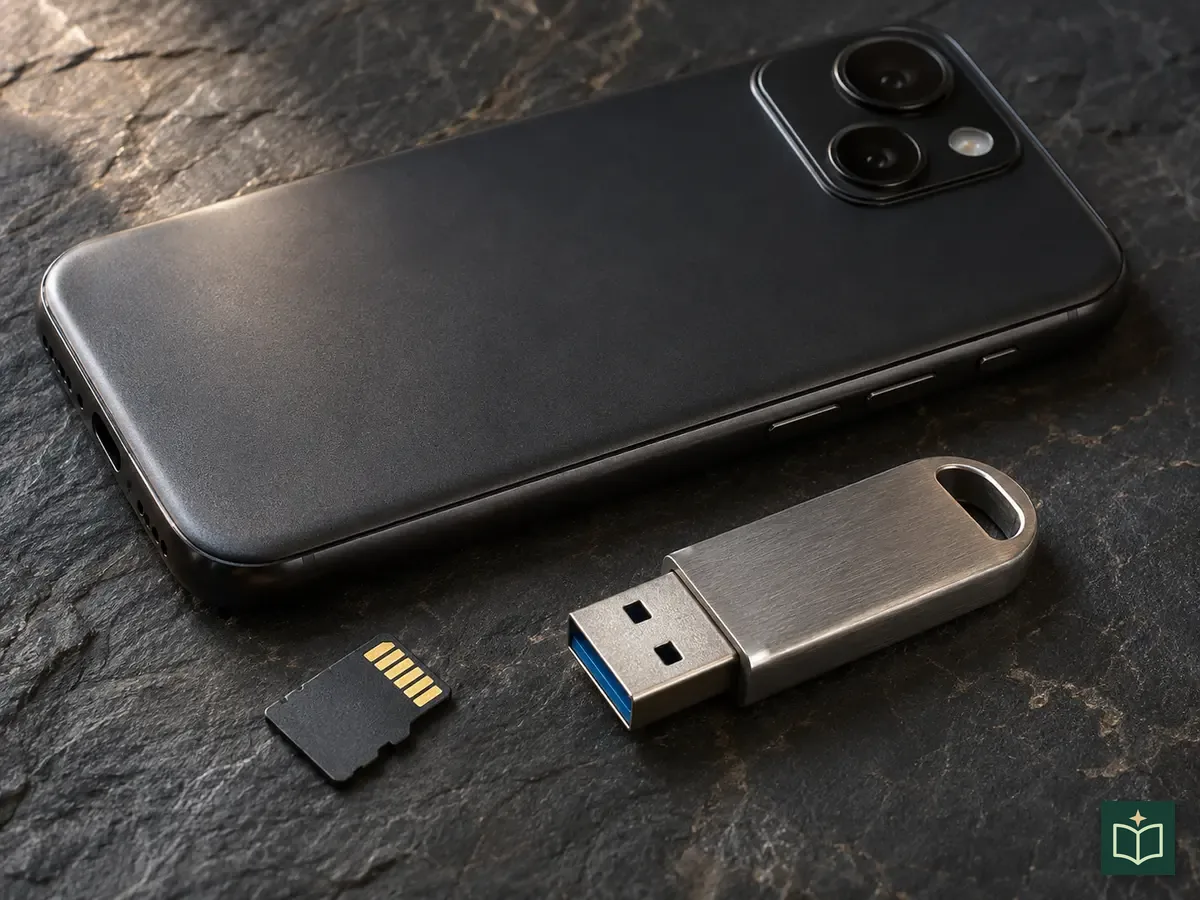
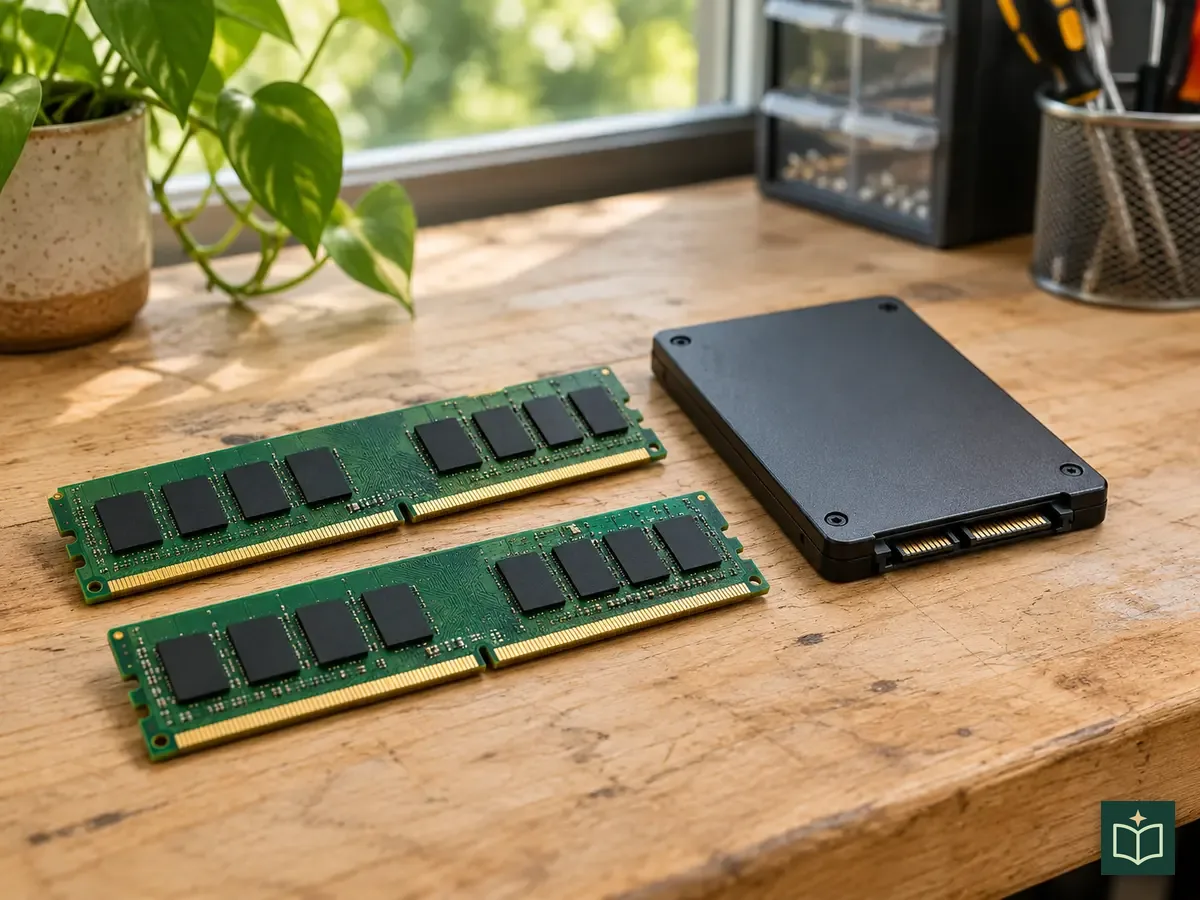
Shop listings for phones and laptops quote two numbers, often both described loosely as memory. One is RAM, perhaps 8 or 16 gigabytes; the other is storage, perhaps 256 gigabytes or more. They do very different jobs. A helpful picture is a desk and a filing cabinet. The desk is RAM: small, but everything on it is within immediate reach. The filing cabinet is storage: much bigger, but you must walk over and find the folder. When you finish for the day the desk is cleared, while the cabinet keeps its contents. Confusing the two leads to buying the wrong upgrade.
How RAM works
Most main memory is dynamic RAM. Each bit is held as a tiny electric charge in a capacitor, guarded by a transistor. Those charges leak away within milliseconds, so the memory chips constantly refresh them, many times a second. The moment power is removed, the charges vanish and the contents are lost, which is why unsaved work disappears in a power cut. The advantage is speed: any location can be read in roughly a hundred nanoseconds, in any order, which is what 'random access' means. That makes RAM ideal for the constantly changing data a running program manipulates, but it is too expensive per gigabyte for long-term keeping.
How storage works
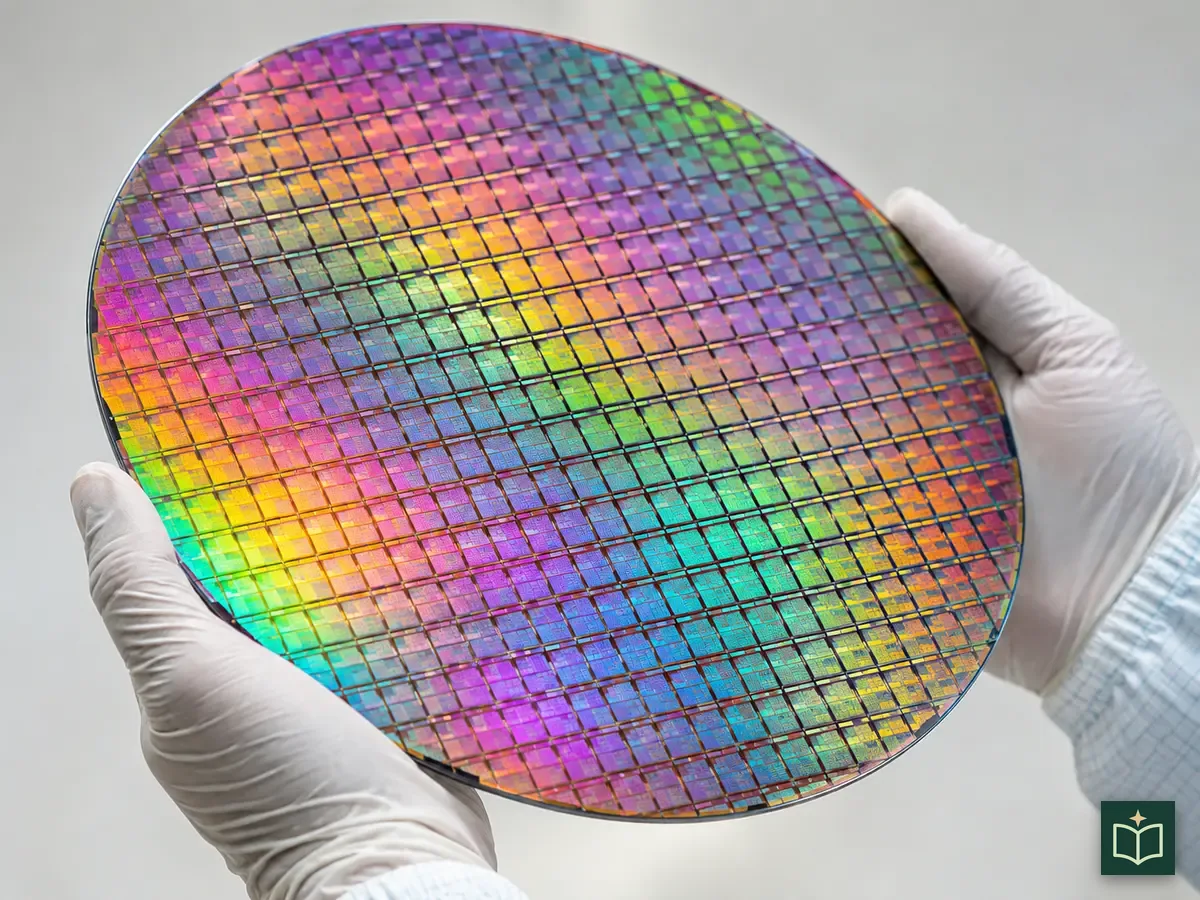
Storage must remember without power. Older hard drives do this magnetically, recording bits on spinning platters read by a head that floats nanometres above the surface. Solid-state drives and phone storage use flash memory, which traps electrons in insulated cells where they remain for years. Both are vastly cheaper per gigabyte than RAM. Both are also slower to reach: a mechanical drive must physically move its head and wait for the platter to turn, taking milliseconds, while flash typically answers in tens to hundreds of microseconds. Compared with the processor's pace, even that is a long wait. The processor would be idle for thousands of its own cycles.
The memory hierarchy
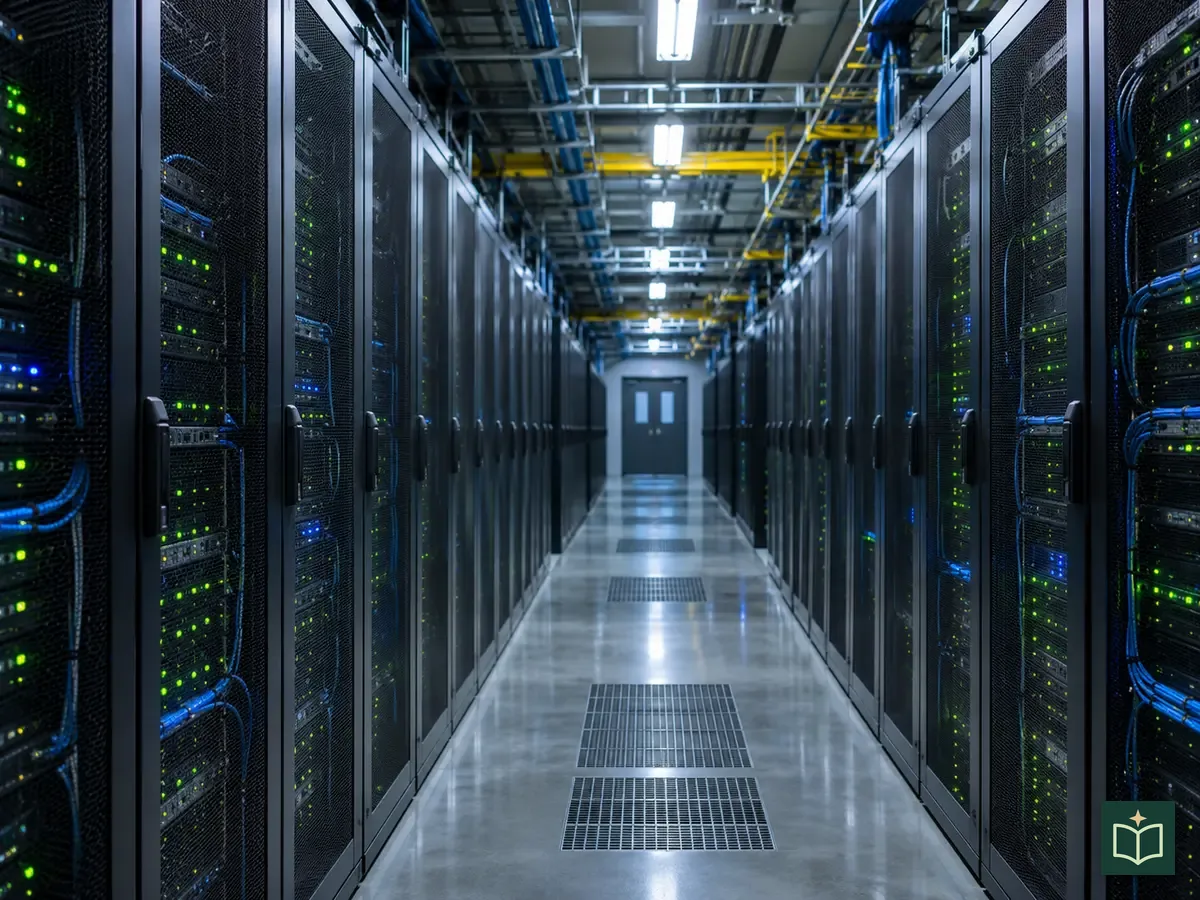
Because no single technology is fast, large, cheap and permanent all at once, computers stack several. At the top sit the processor's registers, a few hundred bytes reachable instantly. Below are caches, small banks of very fast memory built into the chip, holding recently used data in case it is needed again. Then comes main RAM, then solid-state storage, then perhaps cloud storage far away across a network. Each level is bigger, cheaper and slower than the one above. Good hardware and software design is largely about keeping the right data in the higher levels at the right moment, so the processor rarely has to wait.
When RAM runs out
Open dozens of browser tabs, a video editor and a game on a laptop with 8 gigabytes of RAM and the desk overflows. The operating system then moves less-used pages of memory out to storage, a technique called swapping or paging, and brings them back when needed. This lets work continue, but because storage is so much slower, the machine can become sluggish, with stutters when you switch between apps. Phones often close background apps instead, which is why an app may restart from scratch when you return to it. Adding RAM helps only if you regularly run out of it.
Practical guidance
For shoppers, the distinction translates into simple questions. If you keep many photos, videos and offline files, storage capacity matters most. If you run many apps at once, edit large media or work with big spreadsheets, RAM matters more. Many modern laptops and almost all phones have memory soldered in place, so it cannot be upgraded later, making the choice at purchase important. A solid-state drive generally makes a computer feel far quicker than a mechanical one, because programs load faster. None of this replaces backing up: storage keeps data through power cuts, but drives can still fail, be lost or be stolen.
Sources & further reading
Figures are rounded and widely published; check the linked organisations for the latest editions. These organisations do not endorse this website.