Borrowed from buildings
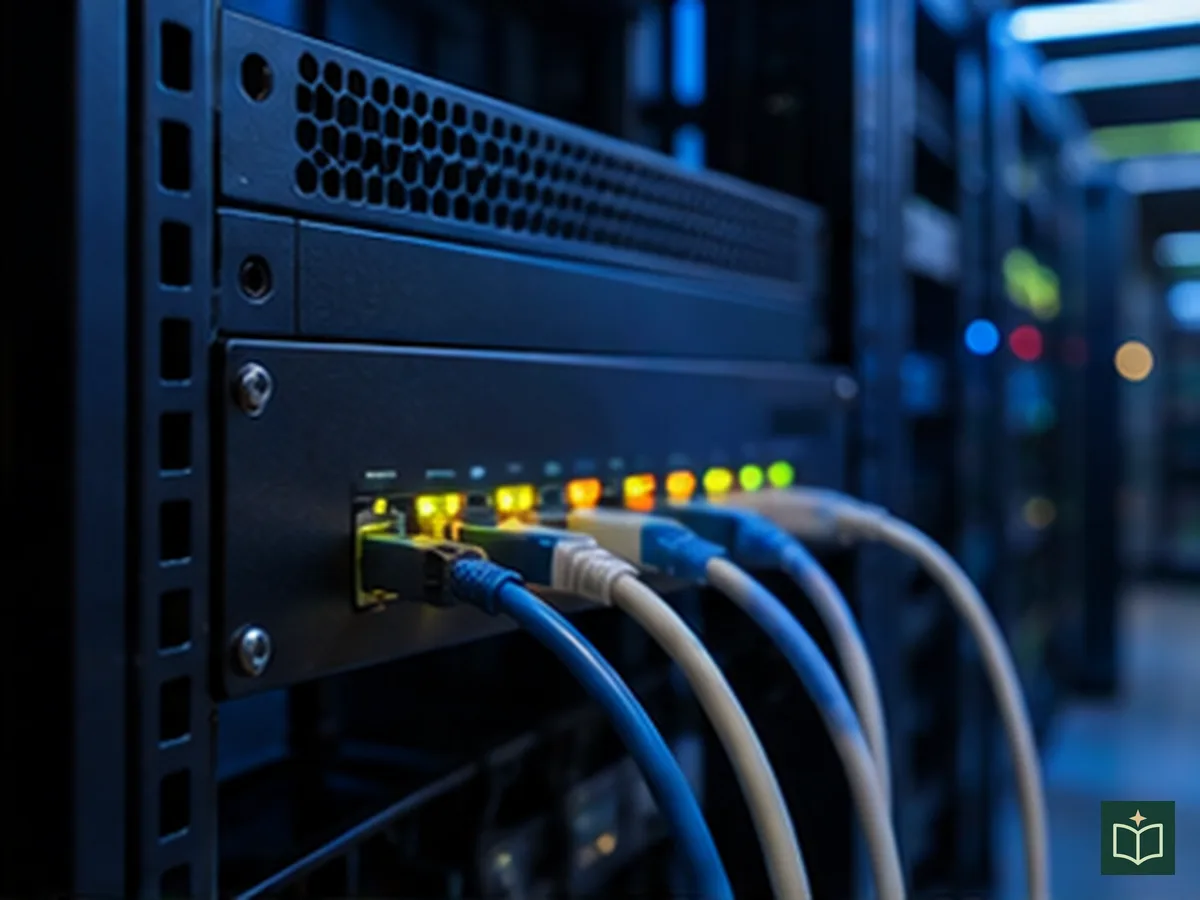
In construction, a firewall is a fire-resistant barrier that stops flames spreading from one part of a building to another. Network engineers borrowed the term in the late 1980s for devices and software that separate a trusted network from an untrusted one, typically a company's or household's internal network from the wider internet. Every piece of data crosses networks as packets, each labelled with where it came from and where it is going. A firewall sits at the boundary and examines that traffic, deciding packet by packet or connection by connection what may pass. Firewalls exist as dedicated hardware, as features of home routers, as cloud services and as software on individual computers.
Addresses, ports and rules
The simplest firewall is a packet filter. It reads the label on each packet: source and destination addresses, the protocol and the port number, which identifies the service being contacted, such as 443 for secure web pages or 22 for remote administration. An administrator writes an ordered list of rules: allow web traffic to the public web server, block remote desktop connections from outside, and so on. The firewall checks each packet against the list and applies the first matching rule. Good practice is 'default deny': anything not explicitly permitted is blocked. Each protocol has 65,535 usable port numbers, so closing all but the few needed shrinks the openings an attacker can try.
Remembering conversations
Simple filters judge each packet in isolation, which makes them easy to fool and awkward to configure, since replies to legitimate requests must also be let back in. Stateful firewalls, which became common in the 1990s, solve this by tracking connections. When a laptop inside the network contacts a website, the firewall notes the conversation and allows matching replies back in automatically, while unsolicited packets from outside are dropped. This is why a typical home router can block nearly all incoming traffic without breaking browsing. The network address translation used by home routers, which hides many devices behind one public address, has a similar side effect, though it was designed to conserve addresses, not for security.
Looking inside the traffic
Modern attacks often hide inside permitted traffic, such as a malicious file downloaded over an ordinary web connection. So-called next-generation firewalls inspect more deeply. They identify which application is in use regardless of port, apply rules per user rather than per machine, and include intrusion prevention that matches traffic against signatures of known attacks. Web application firewalls protect websites specifically, filtering requests that try tricks such as injecting database commands. Because most traffic is now encrypted, deep inspection may require the firewall to decrypt and re-encrypt connections, which companies can do on devices they manage. That raises questions of privacy and trust, and some sensitive traffic, such as banking, is often exempted.
The firewall on your computer
Personal computers have their own firewalls built in, including in Windows and macOS. These host-based firewalls control which programs may accept incoming connections, which is why an app may ask for permission the first time it tries to use the network. They protect a laptop on a café or airport network, where the router's protection belongs to someone else, and they limit how far malware can spread from one machine to another inside an organisation. Phones rely more on operating system controls that restrict what apps may do. For most home users, the best approach is to leave these defaults switched on and keep router and device software updated.
What firewalls cannot stop
A firewall enforces rules about traffic; it cannot judge intent. It will not stop you from typing your password into a convincing fake website, opening a malicious attachment that arrives through allowed email, or an insider misusing legitimate access. Misconfigured rules, such as a forgotten exception left open for a past project, are a frequent cause of breaches. As work moves to cloud services and people connect from anywhere, the idea of a single trusted inside and hostile outside has weakened. Many organisations now pair firewalls with a 'zero trust' approach, verifying every user and device on each request. The firewall remains a foundation, but only one layer of defence.
Sources & further reading
Figures are rounded and widely published; check the linked organisations for the latest editions. These organisations do not endorse this website.