Pulling itself up by its bootstraps
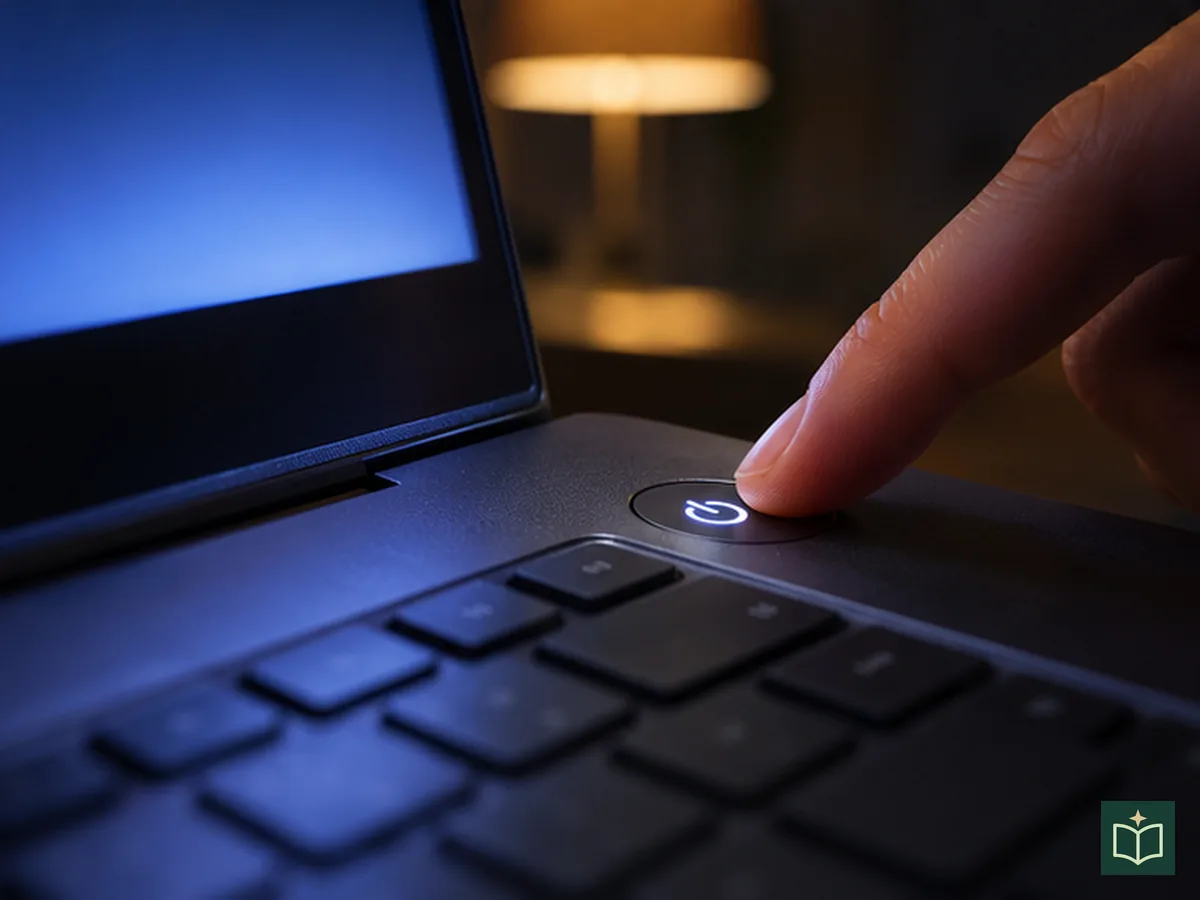
The word boot comes from bootstrap, the old idea of pulling yourself up by your own bootstraps. It describes a real puzzle. A computer needs software to do anything, including loading software, yet when the power is off its main memory is empty. The solution is a small program permanently stored on a flash memory chip on the motherboard, called firmware. When power arrives and the voltages settle, the processor is designed to begin executing instructions from a fixed address that points into this firmware. Everything that follows, from the logo on the screen to the login prompt, is a chain of programs, each loading a larger and more capable one.
Firmware checks the machine
For decades, PCs used firmware called the BIOS, a term from the 1970s CP/M operating system that became standard with the IBM PC in 1981. Most computers now use its successor, UEFI, which is more flexible and supports large modern drives. The firmware first runs a power-on self-test, checking that the processor, memory and essential devices respond. That is why a faulty memory module may produce beeps or a blank screen. It then initialises hardware such as the graphics, keyboard and storage controllers, and reads stored settings, including the date, time and the boot order: the list of drives and devices to try, in sequence, when looking for an operating system.
A chain of trust
Next the firmware finds a boot loader on the first suitable drive. With UEFI, this is a file stored in a small dedicated partition. Before running it, most modern computers use Secure Boot: the firmware checks the loader’s digital signature against trusted keys built into the machine. If the signature is missing or wrong, the loader is refused. This blocks a dangerous class of malware, called bootkits, that tries to start before the operating system and hide from it. Phones go further: an unchangeable boot program etched into the processor verifies each stage in turn, so the whole system, from the first instruction onwards, is checked before it runs.
The operating system takes over
The boot loader’s job is to find the operating system’s core, the kernel, load it into memory and pass control to it. Systems with several operating systems installed may show a menu at this point. The kernel then takes charge of the hardware: it sets up memory management, starts the processor’s other cores and loads drivers for storage, networking, graphics and other devices. Finally it starts the first ordinary program, which launches background services such as networking, updates and security tools, then the graphical login screen. On a modern laptop with flash storage, the whole sequence typically takes from a few seconds to well under a minute.
Not every start is a cold boot
Many computers rarely perform a full boot. Closing a laptop lid usually puts it to sleep, keeping memory powered so it resumes instantly. Some versions of Windows also use a fast startup that saves part of the system to storage on shutdown, so the next start can skip work. That is why a restart, which forces a complete fresh boot, can fix problems that switching off and on does not. A restart clears memory, reloads drivers and finishes installing updates that cannot replace files while they are in use. Phones follow a similar pattern: they are almost always asleep rather than off, which is why an occasional restart can still help.
When booting goes wrong
Because each stage depends on the last, a fault can stop the chain in different places, and where it stops is a clue. No lights or fans suggests a power problem. Beeps or a blank screen point to hardware the firmware cannot initialise. A message that no boot device was found means the firmware cannot see the drive or the loader on it. A crash after the logo often indicates a driver or system file problem, which recovery tools built into modern operating systems can repair. Keeping firmware updated matters too, since manufacturers fix security flaws in it, and those flaws sit below the operating system where antivirus software cannot easily reach.
Sources & further reading
Figures are rounded and widely published; check the linked organisations for the latest editions. These organisations do not endorse this website.