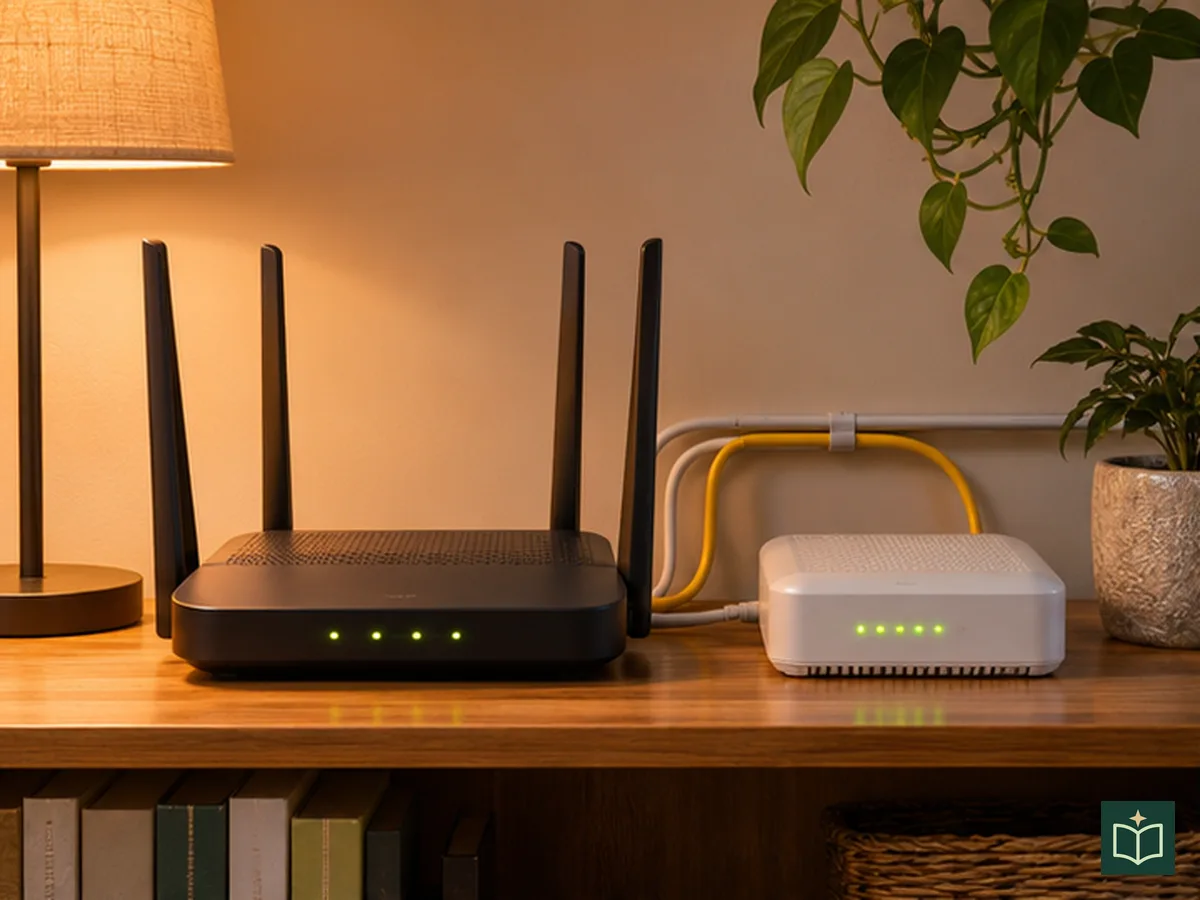
Two jobs, often one box
Home internet involves two distinct tasks. The first is getting a signal from the provider's network into the home and turning it into digital data. That is the modem's job. The second is sharing that connection among many devices, keeping track of which data belongs to which phone, laptop or television. That is the router's job. Many households never see the distinction, because internet providers often supply a single box that does both, usually called a gateway or home hub. Understanding the two roles helps when troubleshooting a slow or broken connection, or when deciding whether to add a separate router or mesh system for better coverage.
What a modem does
The word modem is short for modulator-demodulator. Early modems turned computer data into sounds that could travel down telephone lines, which is why dial-up connections screeched. Modern modems do the same basic task for faster lines. A DSL modem works over copper telephone wires, a cable modem over coaxial television cable, and a mobile router over 4G or 5G networks. On fibre-optic connections, which are standard in UAE homes served by e& and du, the equivalent device is an optical network terminal, which converts pulses of light into electrical signals. Whatever the technology, the modem has one link to the provider and outputs data.
What a router does
A router sits between the modem and the devices in the home. It creates a local network and gives each device a private address, usually starting with 192.168 or 10. The provider gives the household a single public address on the internet, and the router uses a technique called network address translation to share it, rewriting outgoing and incoming data so that each reply reaches the right device. Most home routers also include a Wi-Fi access point, a small switch with Ethernet ports, and a basic firewall that blocks unsolicited incoming connections. Without a router, only one device could normally use the modem's connection at a time.
Combined and extended units
Provider-supplied gateways bundle the modem or fibre terminal, router, Wi-Fi and switch into one device, which saves space and simplifies setup. Some households prefer to add their own router, either for better Wi-Fi range, more control over settings or features such as parental controls. In that case, the provider's box is often put into a bridge mode so that it acts only as a modem. Large homes and villas frequently use mesh systems, in which several units work together to spread Wi-Fi coverage. Range extenders and access points can help too, but they do not replace the router; they simply carry its network further.
Troubleshooting by role
Knowing which box does what speeds up fault-finding. If no device in the home can reach the internet, the problem is likely with the modem, the line or the provider; the status lights on the modem or fibre terminal usually show whether the external link is up. If wired devices work but Wi-Fi does not, the router's wireless function is the suspect. If one device fails while others work, the issue is probably on that device. A common fix is to restart equipment in order: modem first, waiting until its connection lights settle, then the router. Many providers can also check line status remotely when customers call for support.
Security and common mistakes
Because the router faces the internet, it is the household's first line of defence. Changing the default administrator password, using strong Wi-Fi encryption such as WPA2 or WPA3, and installing firmware updates all reduce risk. A common mistake is confusing a slow Wi-Fi signal with a slow internet connection; a speed test run over a cable plugged directly into the router shows which is at fault. Another is placing the router in a cupboard or behind a television, where walls and metal weaken the signal. A central, open position usually works best. Keeping both devices ventilated also matters in hot climates, as electronics can slow down when overheated.
Sources & further reading
- Britannica · Modem ↗
- RFC Editor · RFC 1918 Address allocation for private internets ↗
- UAE Telecommunications and Digital Government Regulatory Authority ↗
Figures are rounded and widely published; check the linked organisations for the latest editions. These organisations do not endorse this website.