Two main families
Older touchscreens, common on early sat-navs and ticket machines, were resistive: pressing pushed two flexible layers together. Most phones and tablets now use capacitive screens, which sense touch electrically and support multiple fingers at once. They are more responsive and more durable but need a conductive touch, such as skin.
Invisible wiring
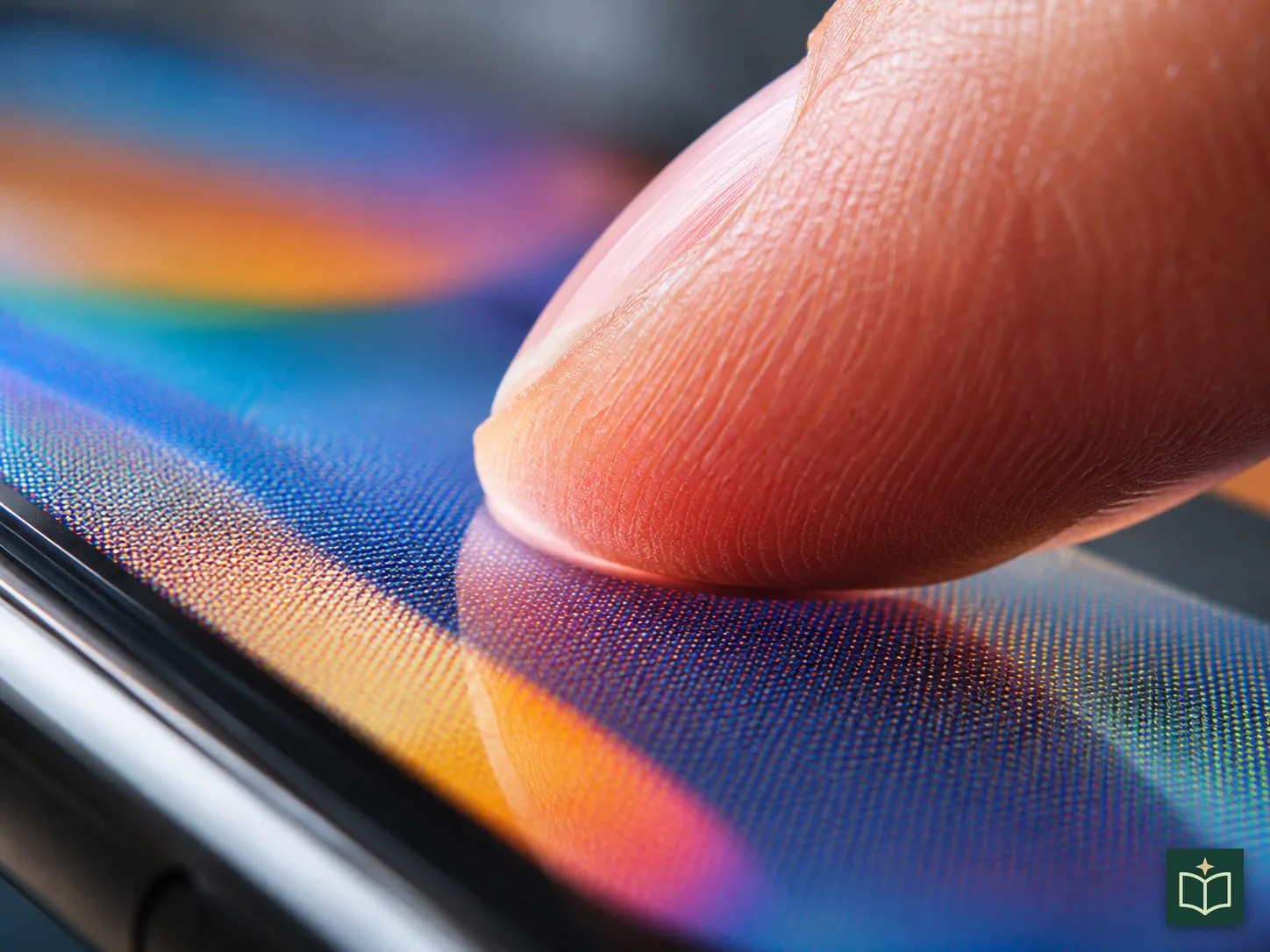
A capacitive screen has layers of transparent conductors, often indium tin oxide, patterned into rows and columns. Each crossing behaves like a tiny capacitor storing a small charge. Because your body conducts electricity, a fingertip changes the electric field and capacitance at nearby crossings. The controller scans the grid continually to find where the changes are.
Many fingers at once
Mutual capacitance sensing measures each row–column intersection separately, so the controller can track many touches at the same time. Software then turns those points into gestures: pinch, swipe, rotate. Algorithms filter out unintended contacts, such as a palm resting on the edge of a tablet.
When touch misbehaves
Water on a screen can look like a touch, confusing the sensor; some phones include modes to cope with wet fingers. Ordinary gloves insulate your finger, which is why touchscreen gloves weave conductive thread into the fingertips. Styluses for capacitive screens use conductive tips, while active pens contain electronics for precise, pressure-sensitive input.
Sources & further reading
Figures are rounded and widely published; check the linked organisations for the latest editions. These organisations do not endorse this website.