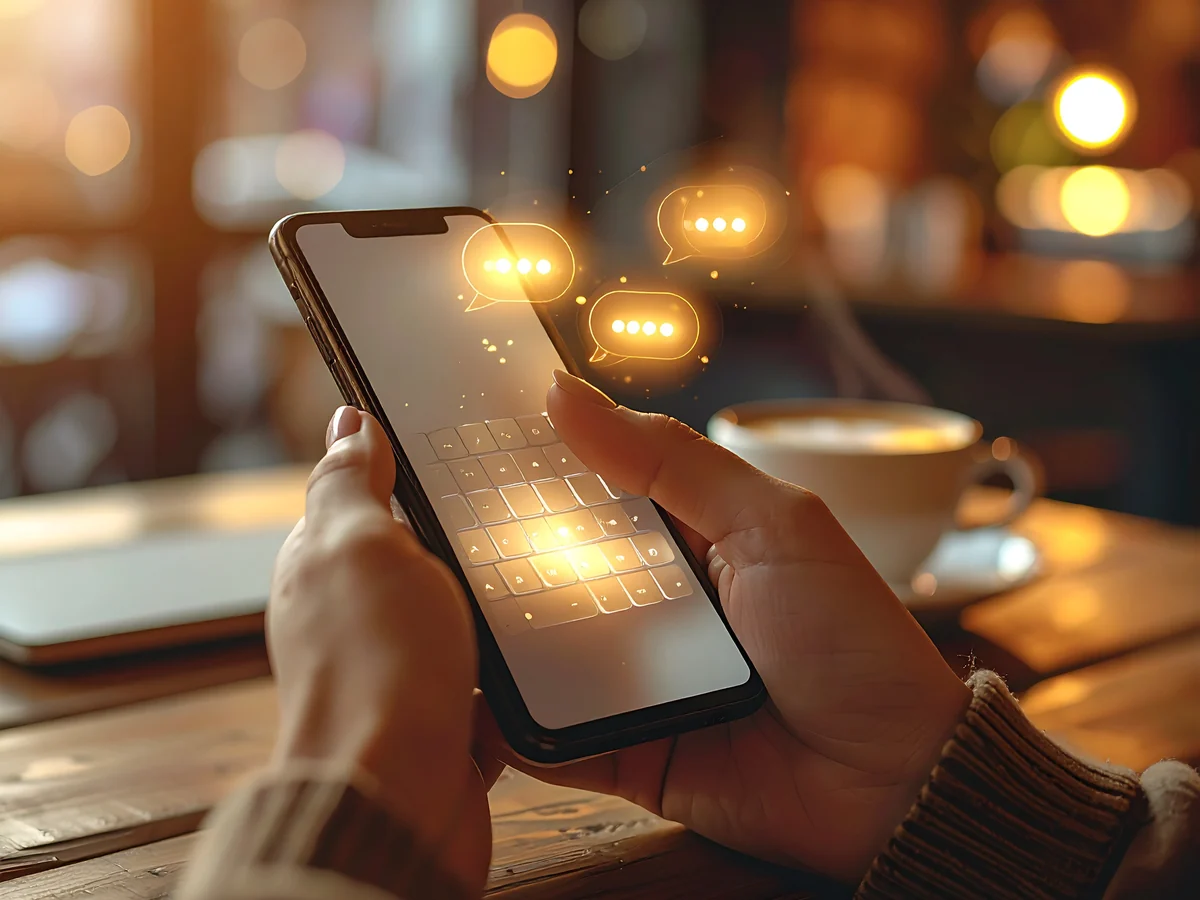
Typing on a keypad
Before touchscreens, mobile phones had number keypads, with three or four letters on each key. Typing a message meant pressing keys several times for each letter. In the 1990s, a system called T9, short for text on nine keys, made this easier. You pressed each key once, and the phone used a built-in dictionary to guess which word you meant, letting you choose between options if several words matched.
Predicting the next word
Smartphone keyboards went further, predicting the next word before you typed it. Early systems used statistical models, counting how often words followed each other in large collections of text. If you typed see you, the keyboard might suggest soon, later or tomorrow, because those words often follow. They also learned from your own typing, so names, nicknames and phrases you used often appeared more readily, making suggestions increasingly personal over time.
Neural networks arrive
In the mid-2010s, keyboards began using neural networks, which can take into account more of the preceding text and capture subtler patterns than simple word counts. The keyboard app SwiftKey introduced neural network predictions in 2015, and Microsoft bought the company in 2016. Google's Gboard and Apple's keyboard also adopted neural models, improving the accuracy of predictions and corrections.
Fixing typos
Autocorrect uses similar techniques to fix mistakes. It considers which keys are close together on the keyboard, the letters you actually typed, and which words would make sense in the sentence. If you type teh, it guesses the. Modern systems use context: they can tell whether you meant there, their or they're from the surrounding words, although they still sometimes make embarrassing or funny mistakes.
Language models on your phone
In 2023, Apple announced that autocorrect in iOS 17 used a transformer language model, the same type of AI architecture behind chatbots, running on the iPhone itself. This allowed it to better predict words and even complete sentences. Keyboards now commonly offer whole-phrase suggestions, and some can rewrite or proofread entire messages using AI, either on the device or in the cloud.
Learning without looking
What people type is highly personal, so companies have developed ways to improve keyboards without collecting messages. In 2017, Google described using federated learning for Gboard: phones train small updates to the prediction model on their own data, and only the updates, not the typed text, are combined on Google's servers to improve the shared model. Techniques like differential privacy add further protection.
Smart replies
Email and messaging apps also suggest quick replies, such as Thanks, sounds good or I'll be there. Google introduced Smart Reply in 2015 and later Smart Compose in Gmail, which suggests how to finish sentences as you type. These features save time, especially on small phone screens, but some critics worry that they nudge people toward bland, similar messages and subtly shape how we communicate.
Many languages
Predictive text must work across hundreds of languages, each with its own grammar and writing system. Arabic, for example, is written from right to left, has letters that change shape depending on their position, and is often mixed with English or written in Latin letters in informal chat. Keyboards for Arabic speakers in the Gulf need to handle these patterns, as well as regional dialects.
Limits and concerns
Predictive text can reflect biases in the data it learned from, for example suggesting stereotyped words, and companies have had to filter out offensive suggestions. Autocorrect can change names or technical terms incorrectly. Some research suggests that predictive suggestions can influence what people write, making text more predictable. Most keyboards let users turn off predictions or clear the words they have learned, and privacy settings let people control whether typing data is shared to improve the service.
Why it matters
Predictive text is one of the most widely used forms of AI, touched by billions of people many times a day, often without thinking of it as AI at all. It is also a small-scale version of the idea behind large language models: predicting the next word from patterns in text. Understanding how it works helps explain the AI chatbots that grew from the same principle.
Sources & further reading
- Google Research · Federated learning: collaborative machine learning without centralized training data (2017) ↗
- Wikipedia · T9 (predictive text) ↗
- Wikipedia · Autocorrection ↗
General explanation; features vary by device and app. Photograph: original AI-generated illustration (Adobe Firefly). Reference organisations do not endorse this website.