Why fingerprints work
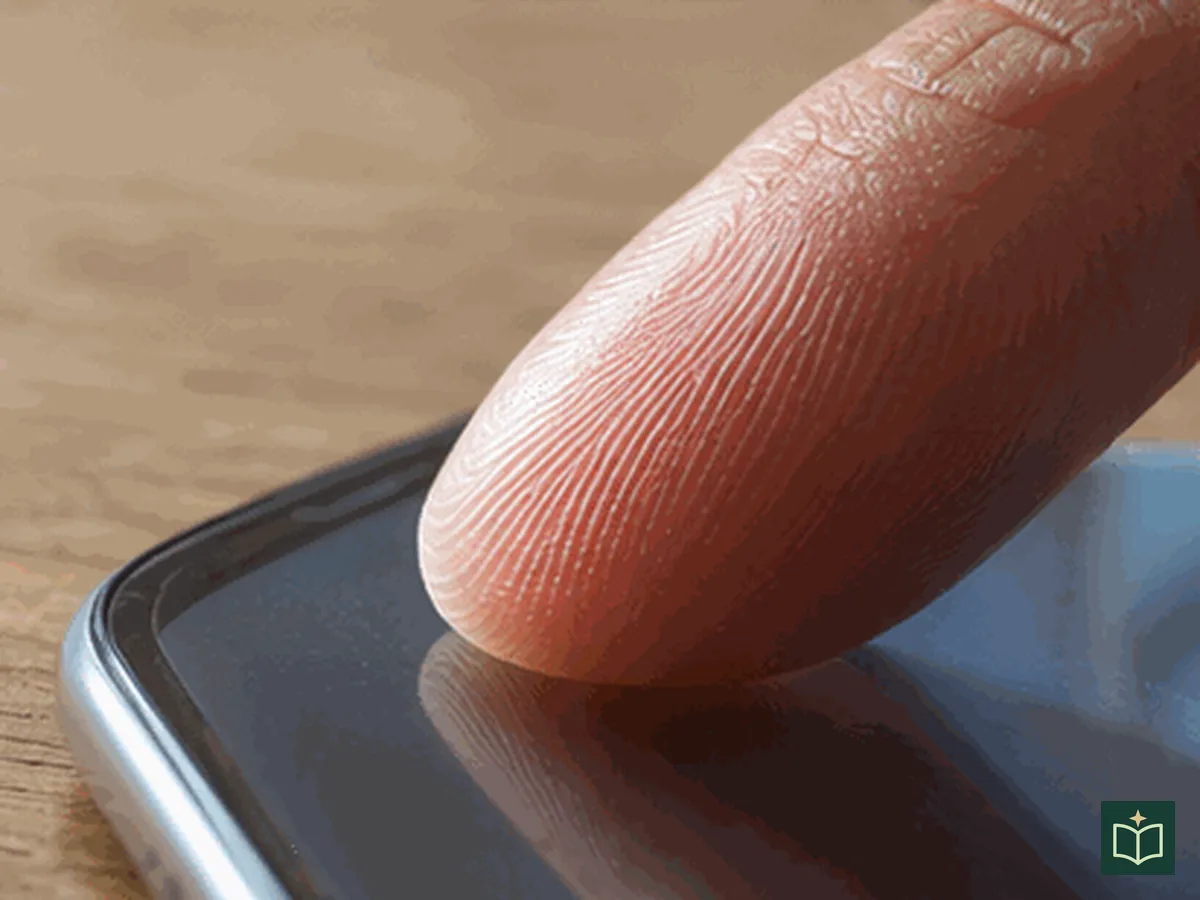
The skin of a fingertip is folded into ridges and valleys that form during development before birth. Their overall shapes, loops, whorls and arches, are shared by many people, but the fine details are not. Ridges end, split in two, form short islands and curve in ways that are unique even between identical twins, and the pattern stays stable throughout life unless the skin is badly scarred. Police have used these details to identify people since the late nineteenth century. A phone sensor uses the same principle on a smaller scale, reading a patch of fingertip and checking whether its fine features match the ones recorded when the owner set the phone up.
Optical sensors
The simplest design is essentially a small camera. An optical sensor lights the finger and photographs the pattern of light reflected back: ridges pressed against the glass look different from the valleys, which hold a thin layer of air. Early door locks and border-control scanners used this method, and many phones now place a compact optical sensor under the screen, using the display itself as the light source. Optical sensors are cheap and work through glass, but they capture a flat, two-dimensional image. Basic versions can be fooled more easily by a good copy of a print, and they struggle with very dry or wet fingers and bright sunlight.
Capacitive sensors
Capacitive sensors, popularised in phones by Apple’s Touch ID in 2013, measure electricity rather than light. The sensor is a grid of tiny conducting plates, each acting as one half of a capacitor, with the finger forming the other half. Where a ridge touches, the distance is shorter and the measured capacitance differs from where a valley leaves a gap. Reading thousands of these points produces a detailed map of the ridges. Because the sensor responds to the electrical properties of living skin, a printed photograph does not work. Capacitive sensors are fast and accurate, but they need a dedicated patch of surface, which is why they often sit in a button.
Ultrasonic sensors
Ultrasonic sensors, which reached phones around 2019, send pulses of high-frequency sound into the finger and listen for the echoes. Sound reflects differently from ridges in contact with the glass and from the air-filled valleys between them, and the timing of the echoes adds information about depth, producing a three-dimensional picture of the print. These sensors can work under thicker glass and through moisture or light dirt that troubles optical designs. Their main weaknesses are cost and some sensitivity to thick screen protectors, which add an extra layer for the sound to cross. Like other modern sensors, they combine the scan with checks designed to reject fake fingers.
A template, not a picture
Phones do not store an image of your fingerprint. During enrolment, software analyses several scans and extracts a template: a mathematical description of features such as the positions and directions of ridge endings and splits, known as minutiae. The template is encrypted and kept in a protected area of the processor, such as Apple’s Secure Enclave or Android’s trusted execution environment, which apps cannot read. Matching happens inside that area, which reports only success or failure. The odds of a stranger’s finger matching are low; Apple puts it at about 1 in 50,000 for one enrolled finger. With five fingers enrolled, that chance rises to roughly 1 in 10,000.
Limits and trade-offs
Fingerprints are convenient, but they are not secrets. You leave them on every glass you hold, and determined attackers have built moulds from lifted prints to fool some sensors. Unlike a password, a fingerprint cannot be changed if copied. For this reason phones treat it as a shortcut: they ask for the passcode after a restart and after several failed attempts, and banking apps often request it for large transactions. Cuts, burns, wet hands and the worn prints of manual workers or some older people can cause failures. For everyday use, a fingerprint backed by a strong passcode offers a sensible balance between convenience and security.
Sources & further reading
Figures are rounded and widely published; check the linked organisations for the latest editions. These organisations do not endorse this website.