Two ways to remember
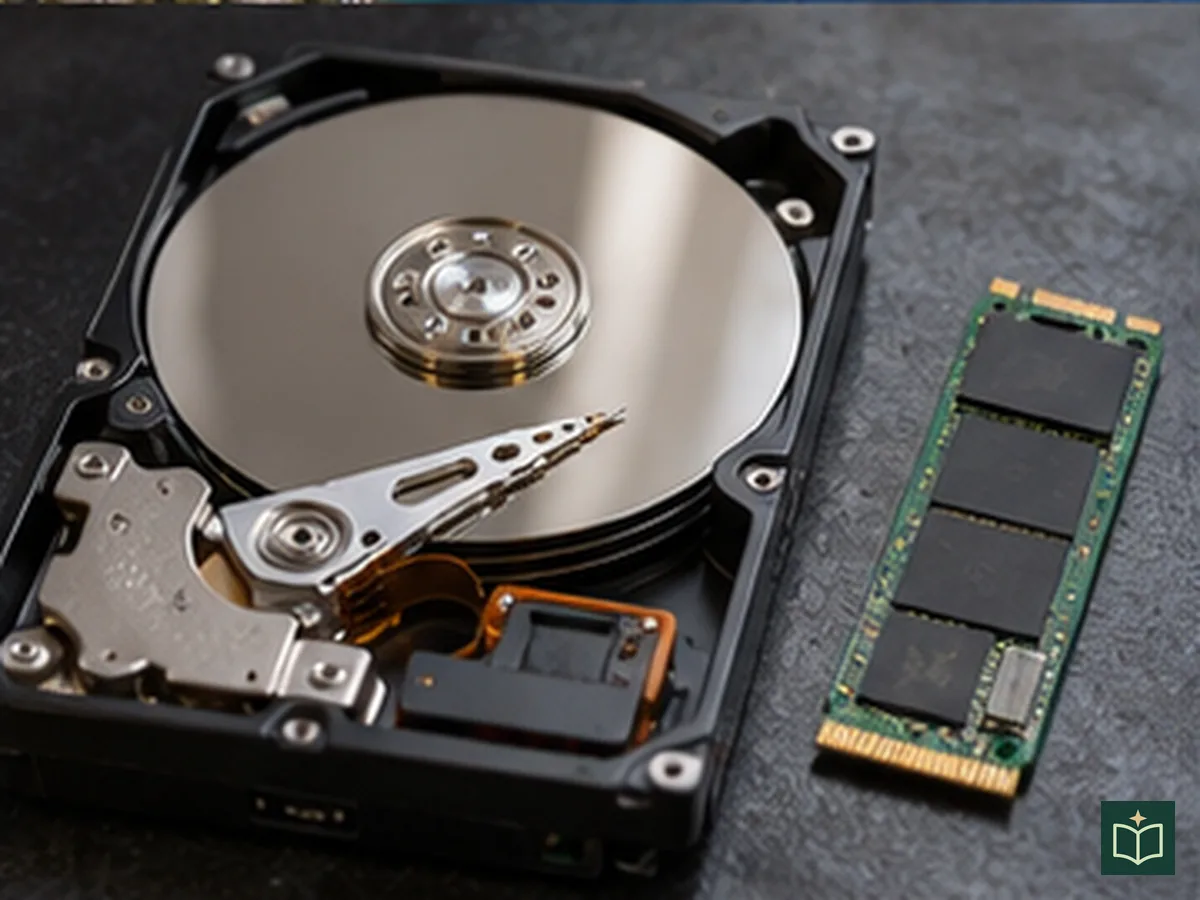
Every computer needs storage that keeps data when the power is off, and two technologies dominate. A hard disk drive, or HDD, stores data magnetically on rigid circular platters that spin at high speed, commonly 5,400 or 7,200 revolutions per minute. A read-write head on a moving arm floats a few nanometres above the surface, magnetising tiny regions to record ones and zeros. A solid-state drive, or SSD, has no moving parts at all. It stores data as electrical charges trapped in cells of NAND flash memory, the same basic technology used in phones, memory cards and USB sticks. A controller chip manages where data goes and keeps the cells evenly used.
Speed
Speed is the biggest practical difference. To fetch data, a hard drive must wait for the right part of the platter to spin under the head and move the arm into place, which takes several milliseconds each time. An SSD can reach any cell electronically in a small fraction of that. The effect is greatest when a computer loads thousands of small scattered files, as it does when starting up or opening programs. Sequential speeds differ too. A typical desktop hard drive reads large files at around 150 to 250 megabytes per second. An SSD on the older SATA connection manages about 550, and modern NVMe SSDs can exceed several thousand.
A worked example
Imagine copying a 50 gigabyte video archive. At 200 megabytes per second, a typical hard drive would take about 250 seconds, a little over four minutes. A SATA SSD at 550 megabytes per second would need around 90 seconds. A fast NVMe SSD reading at 5,000 megabytes per second could, in principle, finish in about 10 seconds, although in practice the speed of the drive being copied to, the file system and heat throttling often slow things down. Everyday use shows the gap even more clearly. A laptop that takes a minute or more to boot from a hard drive can be ready in seconds with an SSD, and applications open almost instantly.
Durability and lifespan
With no motors or arms, SSDs are silent, use less power and cope far better with knocks and drops, which is why almost all laptops and phones now use flash storage. Hard drives are vulnerable to shocks while running, because the head can strike the spinning platter. Each technology wears out in its own way. Hard drives eventually suffer mechanical failure of bearings, motors or heads. Flash cells can be rewritten only a limited number of times, so SSDs carry endurance ratings expressed in terabytes written; for ordinary home use, most drives outlast the computer they are in. Both should be backed up, because any drive can fail without warning.
Capacity and cost
Hard drives keep one major advantage: price per terabyte. Because platters can be packed with ever-denser magnetic recording, hard drives offering 20 terabytes or more are widely used in data centres, and for the same money a hard drive still provides several times as much space as an SSD. That is why cloud providers, video archives and surveillance systems rely heavily on hard drives for bulk storage, keeping frequently used data on SSDs and less active data on cheaper disks. For home users, a common arrangement is an SSD inside the computer for speed, with an external hard drive or network storage box for backups, photos and media libraries.
From refrigerators to chips
The first commercial hard drive, part of IBM's RAMAC system in 1956, stored about five million characters on fifty 24-inch disks and was the size of two large refrigerators. Over the following decades capacity grew by many millions of times while drives shrank to fit in laptops. Flash memory was invented at Toshiba in the 1980s and first found use in cameras and music players. As its price fell during the 2010s, SSDs moved from expensive upgrades to standard equipment in most new laptops. One caution applies to flash: an SSD left unpowered for long periods, especially when heavily worn and stored warm, can slowly lose data, so it is not ideal for cold archives.
Sources & further reading
Figures are rounded and widely published; check the linked organisations for the latest editions. These organisations do not endorse this website.