How JPEG works
JPEG, developed in the early 1990s, splits an image into small blocks and discards detail the eye is less likely to notice, especially subtle colour changes. Users can trade quality for file size.
How PNG works
PNG, created in 1996 as a patent-free alternative to GIF, compresses images without losing any data. It stores flat colours and sharp edges efficiently but makes large files for photographs.
Choosing
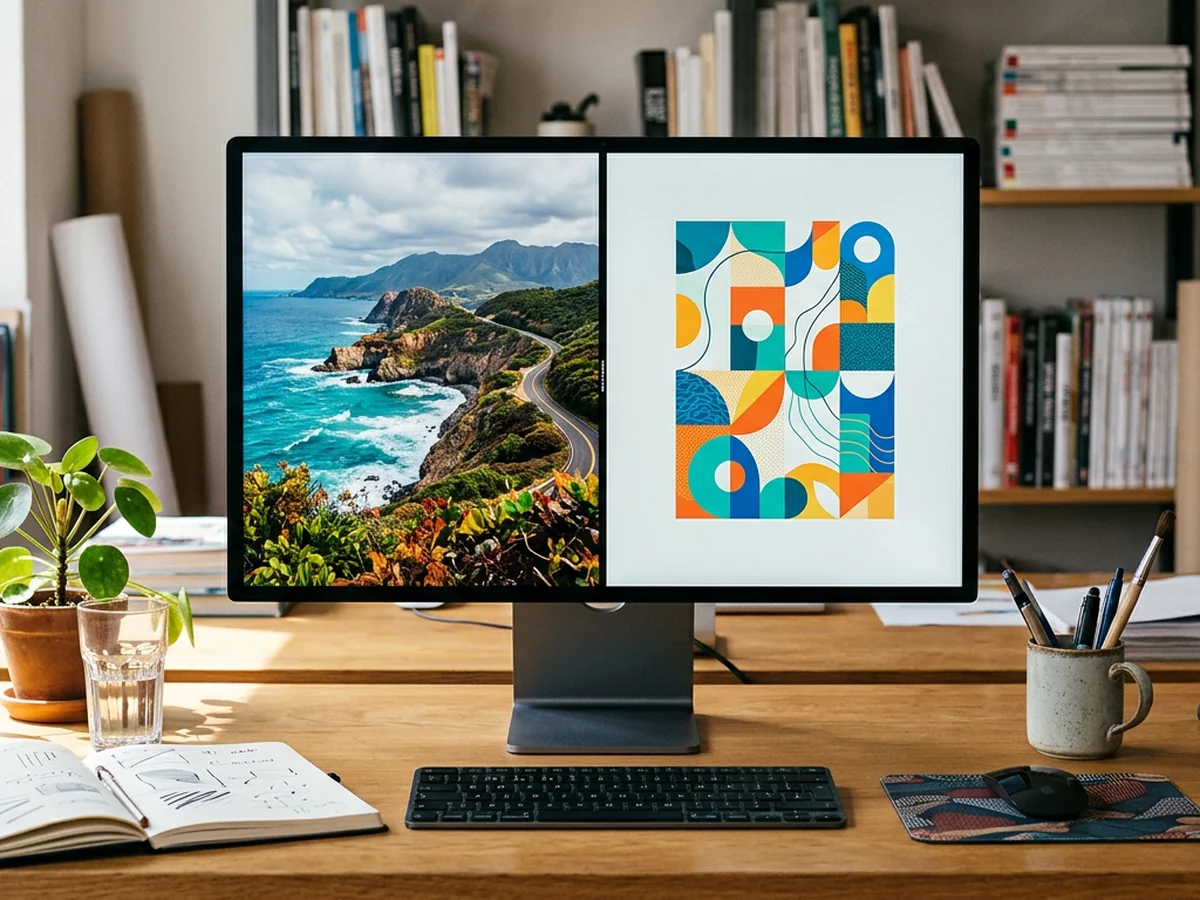
Use JPEG for photographs where small file size matters, such as websites and email. Use PNG for logos, icons, diagrams, screenshots and anything needing transparency or crisp text.
New formats
WebP and AVIF offer both lossy and lossless compression and transparency, usually with smaller files. Most modern browsers support them, and many websites now serve them by default.
Sources & further reading
File sizes are illustrative. Photograph: original AI-generated illustration (Adobe Firefly). Reference organisations do not endorse this website.