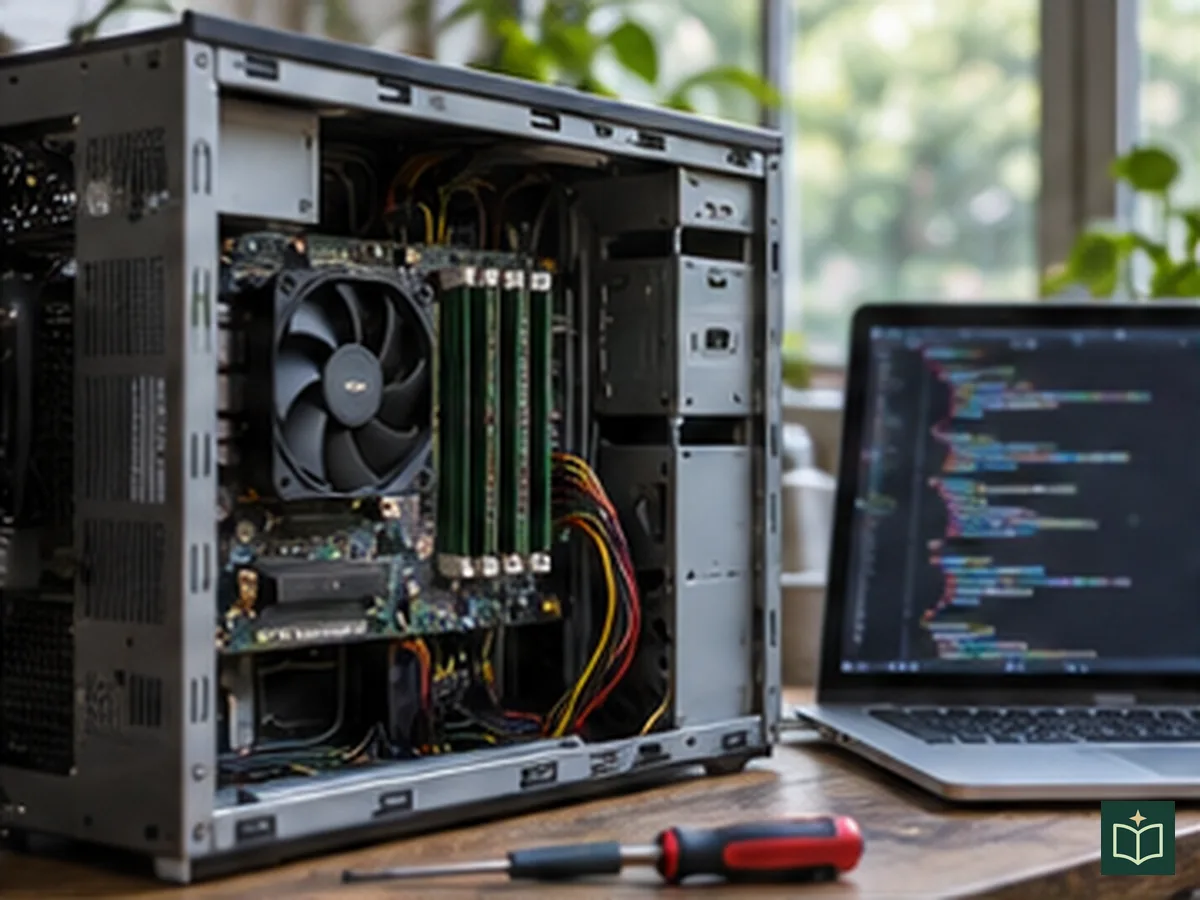
Two halves of one machine
Every computer, from a phone to a data centre server, has two parts that cannot work without each other. Hardware is the physical equipment: the processor, memory chips, storage drives, circuit boards, screen, keyboard and cables. You can hold it, weigh it and break it. Software is the set of instructions that tells the hardware what to do: the operating system, apps, games and the code behind websites. It has no weight and no shape. It exists as patterns of information, ultimately stored as tiny electrical charges or magnetic regions. A laptop with no software is an expensive collection of metal and silicon, and software with no hardware is a recipe without a kitchen.
How instructions become action
At the lowest level, a processor understands only a small set of simple commands, such as adding two numbers, comparing them or fetching data from a memory address. These are encoded as strings of ones and zeros called machine code. Programmers rarely write machine code directly. They write in languages such as Python or C, which other programs, compilers and interpreters, translate into machine code. When you tap an app, the operating system loads its instructions from storage into memory, and the processor works through them billions of times a second. The hardware never 'knows' it is showing a photo or playing music; it simply switches transistors on and off as instructed.
Firmware: the awkward middle
Firmware blurs the line. It is software, a set of instructions, but it is stored permanently on a chip inside a device and is tightly tied to that particular hardware. When a PC is switched on, the firmware, known as BIOS on older machines and UEFI on modern ones, checks the components and then hands control to the operating system. Washing machines, car engines, routers, printers and television remotes all run firmware, often with no other software at all. It used to be burned onto chips that could not be changed. Today most firmware sits in rewritable flash memory, which is why devices receive firmware updates to fix bugs or close security holes.
An everyday example
Consider a smartphone bought in Dubai and used for five years. Its hardware is fixed on the day of purchase: the processor, the amount of memory, the camera sensor and the battery will not improve. Its software changes constantly. Operating system updates add features, apps are installed and removed, and security patches arrive every few months. That is why an old phone can gain new abilities overnight, but also why it can eventually feel slow: newer software asks more of hardware that has not changed. When the manufacturer stops providing updates, the hardware may still work perfectly, yet the phone becomes less safe to use online because its software is no longer maintained.
How the split emerged
Early electronic computers in the 1940s were programmed by rewiring them by hand, so the program was effectively part of the hardware. The breakthrough was the stored-program idea, associated with John von Neumann and others, in which instructions are kept in memory alongside data. The Manchester 'Baby' ran the first such program in 1948. From then on, the same machine could do entirely different jobs simply by loading new instructions. The word 'software' came into common use around 1960. For decades, software was bundled free with hardware, until IBM began pricing them separately in 1969, a decision that helped create the independent software industry that now includes the world's largest companies.
Where the line blurs further
The distinction is useful but not absolute. Some tasks can be done in either form: video decoding, encryption and graphics can run as software on a general processor or be built directly into specialised chips, which is faster and uses less power. Engineers constantly choose which jobs to hard-wire and which to leave flexible. Programmable chips called FPGAs can even have their internal circuits reconfigured by code. Cloud computing adds another twist, because users rent software that runs on hardware they never see. Problems, too, can sit on either side: a cracked screen is a hardware fault, a crashing app is a software fault, and some failures need both diagnosed.
Sources & further reading
Figures are rounded and widely published; check the linked organisations for the latest editions. These organisations do not endorse this website.